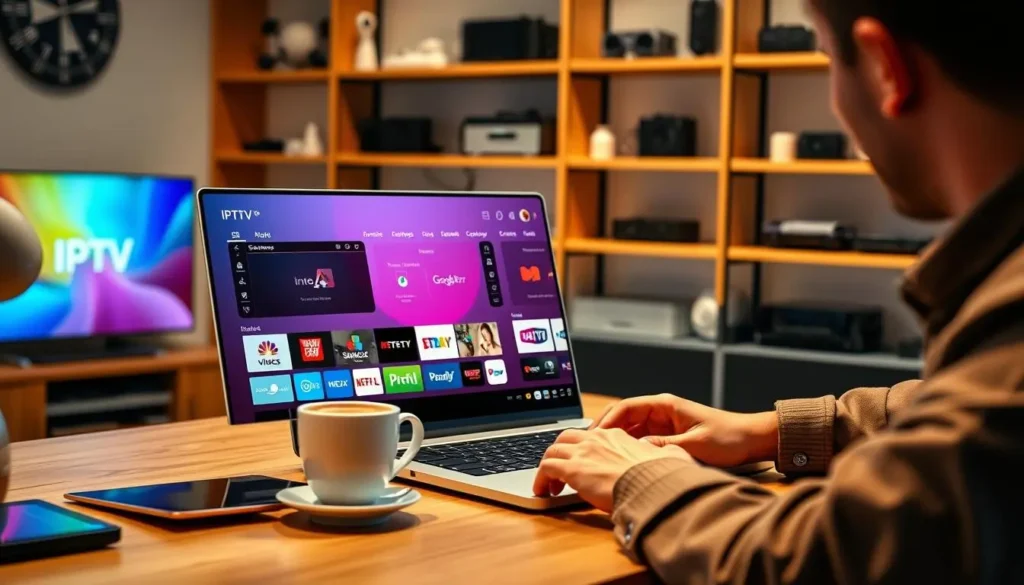
This page is about what BoxReady IPTV is, what it is not, and how we think about the screen in your living room. Our approach rests on a simple observation: most IPTV questions are really box questions. Which HDMI input? Which cable? Why does the picture stall in the bedroom but not in the den? So everything here is built around the hardware you actually own, from where the router sits to which button you press first. For help right now, head to our support page.
We would rather tell you plainly what we do than impress you with big claims. You will not find a founding story, a headcount or a list of awards on this page. You will find what you get when you order, what you do not get, how our guides are written, how support works, and the rules we follow. If something here leaves you with a question, write to us before you order. That is exactly what support is there for.
What BoxReady IPTV is about
Our name sums up the idea: IPTV made for your box. A subscription on its own is just a set of login details in an e-mail. It only becomes television once a box, a cable, a Wi-Fi signal and a player app all work together. We take care of the subscription and give you everything you need to make the rest of that chain work in your home.
Subscription plans
Three packs and four durations, paid once, with access e-mailed within minutes of the order.
Setup guides
Pages written for someone holding a remote: menus, buttons, cables and Wi-Fi placement, step by step.
Hands-on support
Seven days a week by e-mail and WhatsApp, in English and French, with replies you can follow on your own box.
Those three things are the whole offer. There is no hidden fourth service, no device bundle, no contract to sign. You pick a pack and a duration on the plans page, you receive your access by e-mail, and you enter it in a player on the device you already have. If you get stuck at any point between the order and the first channel, the guides and the support team cover that ground.
The guides are the part most visitors see first. They live in six sections: boxes, comparisons, setup, apps, troubleshooting and a general guide. Each one assumes you are standing in front of your TV, not sitting in a classroom. That is the BoxReady habit: name the button, name the menu, say what should appear on screen next.
What we do and what we do not do
Being honest about the edges of a service is the best way to avoid disappointment. Here is a plain list of what is part of BoxReady IPTV and what is not.
| Item | Part of BoxReady IPTV | What that means for you |
|---|---|---|
| IPTV subscription packs | Yes | Premium, VIP Premium and Ultimate 4K, in 1, 3, 6 or 12 months |
| Setup and troubleshooting guides | Yes | Every guide on this site, written for boxes, sticks, smart TVs and phones |
| Support by e-mail and WhatsApp | Yes | Seven days a week, in English and French |
| Selling boxes, sticks or TVs | No | You buy hardware wherever you like; our guides help you choose |
| Making player apps | No | Players come from your device’s official app store; we are independent from their publishers |
| Selling player licences | No | If a player has a paid licence, check the current price on the app’s official website |
| Contracts or automatic renewal | No | You pay once for the period you choose; nothing renews on its own |
| Remote access to your device | No | Every fix is done by you, with the remote, following our steps |
The “we do not sell boxes” line surprises some people, given our name. It is deliberate. Because we do not sell hardware, we have no reason to push one device over another. Our best IPTV box in Canada page compares boxes on things you can check yourself, like 4K output, storage, network ports and the remote, and leaves the shopping to you. The same independence applies to players: we explain six of them in detail and recommend whichever fits your device, not whichever pays us.
Why our help starts with the box
A large catalogue means little if the box sits in a closed cabinet on weak Wi-Fi. That is why every BoxReady guide, and every support reply, starts with the hardware before it touches a setting.

The four physical questions we always ask
Before any player setting, we want to know how the box lives in the room.
- Where does the box sit: in the open, behind the TV, or inside a cabinet?
- How does it reach the router: Wi-Fi on 2.4 GHz, Wi-Fi on 5 GHz, or an Ethernet cable?
- Which HDMI port on the TV does it use, and does the cable go through a soundbar first?
- Does it run from its own wall adapter, or from a USB port on the TV?
Those four answers explain a surprising number of problems. A box hidden behind a TV can lose much of its Wi-Fi signal to the metal back panel. A box powered from the TV’s USB port may restart by itself when it works hard. An HDMI chain that runs through a soundbar adds one more place for the picture to drop. None of these issues can be fixed inside a player app, which is why a guide that starts with the app often goes in circles.
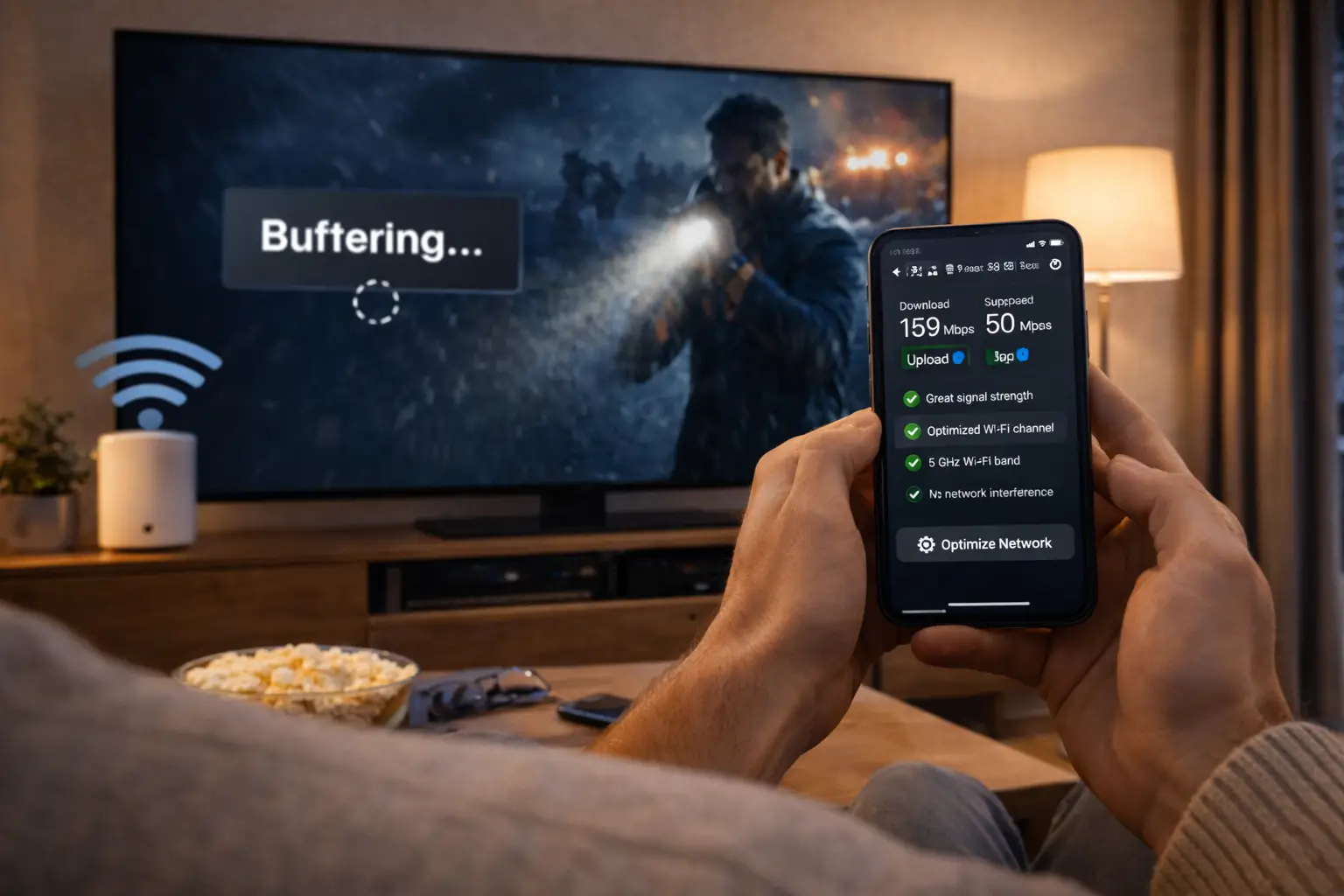
Speed is the other half of the hardware picture. Plan for 10 Mbps per screen in HD, 15 Mbps in Full HD and 25 Mbps in 4K, measured where the box sits rather than next to the router. When two screens play at once, add the figures together. With the hardware placed well and the speed in hand, the rest usually falls into place. Our Wi-Fi or Ethernet for an IPTV box page shows how to give the box the best link available in each room.
About the name BoxReady
A box is “ready” when four things are true at the same time: it is placed where it can breathe and receive a good signal, it is connected to the right TV input with a suitable cable, it runs a player from its official store, and it has a working login. Our name is a promise about that state, not about the box itself. We cannot make your hardware faster than it is, but we can help you get every bit of it working for you.
We do not ship you a box. We help the box you already have become ready.
That idea shapes the way we talk about devices. A modest stick in the right spot, close to the router and on the 5 GHz band, often plays more smoothly than an expensive box hidden in a cabinet two rooms away. So when you ask us which device is best, our first answer is usually a question: which room, which TV, and how far from the router? The answer depends on your home more than on any spec sheet.
It also explains why our troubleshooting starts with the room. When a stream pauses, the tempting move is to blame the service or buy new hardware. Most of the time, the real fix is moving the router into the open, switching the box to another Wi-Fi band, or running a short Ethernet cable. Those changes cost little and teach you something about your home network that helps with every device you connect later.
How a subscription fits with your box
People often picture IPTV as a single product. In practice it is three separate pieces that meet on your TV. Knowing which piece does what makes setup and troubleshooting much easier.
The box is yours: a Fire TV Stick, an Android TV or Google TV box, an Apple TV, or the smart TV itself. The player app comes from that device’s official store and is made by an independent publisher. The login comes from us, by e-mail, within minutes of your order, as Xtream Codes (a server URL, a username and a password) or as an M3U link. The player uses the login to fetch the channels, series and movies, and the box shows them on your TV.
Because the pieces are separate, you can change one without touching the others. A new box? Install a player on it and enter the same login. A different player? Same login, same box. A longer duration? Same box, same player, new period. Our what is an IPTV box page explains this chain from the carton to the first channel, and the box setup hub puts the steps in the order that works: hardware first, player second, login last.
Your first evening, from order to first channel
Abstract descriptions only go so far. Here is what a typical first evening looks like when you follow our guides, so you know what to expect before you order.
You pick a pack and a duration on the plans page and pay once, by card or PayPal. Within minutes, an e-mail arrives with your access. Before touching it, you go to the TV: you check that the box is in the open, plugged into its own wall adapter and connected to the right HDMI input. You press Home, open Settings and confirm the network, ideally the 5 GHz band or a cable. Only then do you open the official store on the box and install a player.
Three fields and a button: the moment the box becomes ready.
You type the three fields carefully, ideally with a phone keyboard through the box’s companion remote app, and the player loads the channel list. You start with one channel in HD. If it plays smoothly, you try Full HD, then 4K if your TV and your connection allow it. Last, you let the player load the TV guide and check that the times match your clock.
That order, room first and login last, is the heart of the BoxReady approach. It turns most first evenings into a calm session at the TV instead of a long night of guessing. If something does not match at any point, you stop, take a photo of the screen and write to us with what you see.
About our three packs
We keep the range short on purpose. Three packs cover very different needs, and each comes in four durations. The figures below are the only ones we quote, because they are the ones we can stand behind.
VIP Premium Pack
- 27,000+ channels
- 61,000+ series
- 155,000+ movies
- HD, Full HD and 4K
Ultimate 4K Pack
- 57,000+ 4K channels
- 47,000+ series
- 179,000+ movies
- 20 servers in Europe
The catalogue includes French-language and international content. If you are looking for a specific language, ask support before ordering; we would rather answer that question honestly up front than have you discover a gap after paying. The same applies to simultaneous screens: each pack includes 1 simultaneous connection, and more are available only on request through the contact page, where support gives you the conditions and price.
Choosing between the packs is mostly a question of your TV and your habits. If your screen and your connection handle 4K comfortably, the Ultimate 4K Pack makes the most of them. If you mostly watch series and films in Full HD, the VIP Premium Pack gives you the larger on-demand library. If you want a solid all-round catalogue in HD, Full HD and 4K, the Premium Pack covers it.
Durations and payment, without surprises
We wanted payment to be the simplest part of the whole process. You choose a duration, you pay once, and that is it until you decide otherwise.
| Duration | Who it tends to suit | Renews on its own |
|---|---|---|
| 1 month | Testing your box, your Wi-Fi and your favourite player at home | No |
| 3 months | A season of viewing, or a second home used part of the year | No |
| 6 months | A setup you trust, without committing to a full year | No |
| 12 months | A box that already plays well and a household that watches every week | No |
Every duration is paid once in Canadian dollars, by card or PayPal. There is no contract and no automatic renewal: when the period ends, the login stops working and nothing more is charged. If you want to continue, you choose a new duration yourself. We never write prices in our guides because they can change; see current prices on the plans page, which is always up to date.
If you are unsure whether your box and your Wi-Fi are up to the job, start short. The 1-month IPTV plan page includes a simple test routine for your first evenings, and the 12-month IPTV plan page explains how to tell when your setup is ready for a longer period. Every step of checkout is described on the paying for your IPTV plan page.
See the packs side by side
Three packs, four durations, one payment, no renewal. Compare them on the plans page.
About the devices we write for
Our guides cover the devices our packs work with. We do not favour one family over another, because we do not sell any of them. Each has its strengths, and each needs a slightly different setup.
| Device family | Where players come from | What we check first in the room |
|---|---|---|
| Fire TV Stick | Its official Appstore | Wi-Fi signal behind the TV, power from the wall adapter |
| Android TV or Google TV box | The Play Store on the box | Ethernet port if there is one, airflow around the box |
| Apple TV | The App Store on tvOS | Network link, resolution and frame-rate settings |
| Samsung or LG smart TV | The TV’s own app store | Wi-Fi reach to the TV, available players for that model |
| iPhone, iPad, Android phone or tablet | The device’s official store | Wi-Fi band and battery settings |
| PC | The official app store for your system | Network link and screen output |
Each family has its own guide. The IPTV on Firestick page tunes a stick around its real limits, the Android TV box for IPTV page covers Google TV and Android TV boxes, and the IPTV on Apple TV page handles tvOS. If you are torn between a box and the app already on your TV, the IPTV box vs smart TV app page offers a one-evening test that settles it.
About the player apps we explain
A player is the app that turns your login into a channel list. We explain six of them: IPTV Smarters Pro, TiviMate, Smart IPTV, IBO Player, XCIPTV and GSE Smart IPTV. Which ones you can install depends on your device and its store.
Our position on players
We are independent from every player publisher. We do not make, sell or license any player. Install players only from your device’s official app store. If a player asks for a paid licence or a premium upgrade, check the current price on the app’s official website; that payment goes to the publisher, not to us.
Independence has a practical upside. When a player has a bug, we can say so plainly, suggest a second player to test with, and point you to the official store for an update. We have no reason to defend one app. When a player suits your device well, we say that too, and our box apps hub lays out the strengths of each.
Three of the six get their own in-depth page because they come up most often on boxes. TiviMate on a box covers the grid guide on Android TV and Fire TV. IPTV Smarters Pro on a box walks through login and settings. XCIPTV on a box goes into the player engine and buffer. Each page names the menus you will see and the order to change things in.
How our guides are written
Every page on this site follows the same house rules. Knowing them helps you read any guide quickly, and tells you what to expect from our support replies too.
- Rule one
Hardware before software
Placement, power, cables and Wi-Fi come first, because no setting can fix a box that cannot breathe or hear the router.
- Rule two
Name the button
“Press Home, open Settings, select Network” rather than “go into your network options”. You should never have to guess.
- Rule three
One action per step
Each numbered step does one thing, so you can see which step changed the picture.
- Rule four
Say what you should see
After a step, the guide tells you what the screen should show, so you know whether to continue.
- Rule five
Only facts we can stand behind
No invented figures, no ratings, no brand promises. If something depends on your device, the guide says so.
That last rule matters more than it looks. You will notice our pages never quote speeds other than the per-screen figures, never claim a channel or a language beyond what we can confirm, and never promise a box will do something its maker does not support. When we are not sure, we tell you to check, or to ask support before ordering.
The rules also explain the order of our box setup hub. It starts with the cable and the remote, moves on to the player, and only reaches the login at the end. People who follow it in that order rarely need to write to us at all.
About our support
Support is where the guides meet your actual living room. You write, we read what you sent, and we reply with steps you can follow with the remote.
Language, simultaneous screens, internet speed, device choice: ask first, and we answer plainly.
Then: order knowing what to expectIt is sent within minutes of the order. Check spam and promotions, then write to us.
Then: tell us the e-mail address used at checkoutSend the box, the player, the connection type and a photo of the screen.
Then: follow the reply one step at a timeMention the change: a new router, a moved box, an app update.
Then: we start from that changeWe answer seven days a week, by e-mail through the form on the contact page and by WhatsApp at +33 6 44 65 43 13, in English and French. We never ask for remote access to your device; every fix is something you do yourself, so you always know what changed. The support hub explains the details worth sending, and the box troubleshooting hub lets you try the common fixes on your own first.
What you will not get from us is a script. Nobody reads you a list of generic checks that ignores what you wrote. If you tell us the box is a stick behind a wall-mounted TV on 2.4 GHz, the reply starts there, with the signal behind the screen and the band the stick uses. If you already restarted everything twice, we skip the restart. A reply that fits your room is the whole point of a support service built around boxes, and it is why we ask for the box model, the player and a photo before anything else.
How we keep the guides accurate
Box makers and player publishers update their software regularly, and every update can move a menu, rename an option or change a default. A guide that was perfect when it was written can drift out of step with your screen. We treat that as part of the job, not as a reason to stop naming buttons.
The best signal we have is you. When a reader writes “your guide says Device Preferences but my box shows System”, that message tells us a menu has moved on some models. We check it, and the guide changes so the next reader does not stumble on the same step. Support messages and guides feed each other in that way: a question that comes up again and again usually ends up as a clearer step or a new section.
Deep dive: when your menus do not match a guide
Menu names vary between models and software versions, even within the same device family. When a step names a menu you cannot find, look for the closest match one level up: System instead of Device, Apps instead of Applications, Network and Internet instead of Network. Settings that control the same thing tend to keep similar words. If nothing fits, take a photo of the menu you see, tell us your box model and software version from its About screen, and we will point you to the right place. Your message also helps us correct the guide.
We also keep the facts in our guides deliberately narrow. Pack sizes, durations, the per-screen speeds and the 1 simultaneous connection are written the same way everywhere, so you never find one figure on one page and another elsewhere. When something cannot be stated with certainty, such as whether a given player is in your TV’s store, the guide tells you to check rather than guessing for you.
Our position on legality
People sometimes ask whether IPTV is allowed in Canada. We keep our answer simple and neutral, because it is the only honest one we can give in a guide.
Plainly put: the technology is legal; whether a service is legal depends on the broadcasting rights it holds, so check before subscribing. Ask us anything before you order.
A box, a player app and a stream over the internet are ordinary technology, used for all kinds of video. What matters is the service behind the login. Our is IPTV legal in Canada page separates the technology from the services and suggests a simple routine for checking any service before you pay, ours included.
The same thinking explains a few things you will not find on this site. We do not explain how to install apps from outside official stores, we do not give advice on getting around blocks, and we do not publish shared logins or playlists. Those topics carry risks for you and your devices, and they have nothing to do with getting a box ready for a subscription you have chosen with care.
The ground rules we follow and ask you to follow
A few simple rules keep the service working for everyone and keep your devices safe. They apply to us as much as to you.
- Players are installed from your device’s official app store, never from files passed around online.
- Each pack includes 1 simultaneous connection. The same login works on several of your own devices, used one at a time.
- Your access is for your own household. Logins are not shared between homes.
- More simultaneous screens are available only on request, with conditions and price given by support.
- Payment happens once, at checkout on this site, by card or PayPal, in Canadian dollars.
- Support never asks for remote access to your device.
Watch out for look-alikes: if someone contacts you claiming to be BoxReady IPTV and asks for card details, a password or a payment by message, stop. Start a fresh conversation yourself, from the WhatsApp number on this site or the form on the contact page, and tell us what happened.
The 1-connection rule is the one people meet most often in practice. If a second screen starts while the first is playing, one of the two streams stops. That is the rule working as intended, not a fault. If your household regularly watches on two screens at once, ask support before ordering rather than discovering the limit on a busy evening.
What a smooth evening depends on
We would rather set honest expectations than promise perfection. IPTV runs over your home internet, so a few things in your home shape the experience as much as anything on our side.
Steady speed to plan for, per screen
Things that help
- A router in the open, at shelf height
- The box on 5 GHz when close, or on Ethernet
- A box with room to breathe and its own power
- Enough steady speed for each screen playing
- A player kept up to date from the official store
Things that get in the way
- A box inside a closed cabinet or behind the TV
- Thick walls or floors between router and box
- Big transfers running on other devices at peak time
- A long HDMI chain through several devices
- A box that has not been restarted in weeks
None of these are excuses; they are levers you control. Moving a router, choosing a band or running a cable often changes the experience more than any change of pack. Our box buffering fixes page explains each lever in order, starting with the cheapest. If you want to understand how an IPTV box compares with a coaxial cable setup on installation and picture, the IPTV box vs cable box page covers it.
Words we use across the site
Our guides try to avoid jargon, but a few words come up everywhere. Here is what we mean by them.
- Box
- Any device that runs a player and connects to your TV: a stick, an Android TV or Google TV box, an Apple TV, or the smart TV itself.
- Player
- The app that reads your login and shows the channels, series and movies. Installed from the device’s official store.
- Pack
- One of our three subscriptions: Premium, VIP Premium or Ultimate 4K.
- Duration
- The period you pay for: 1, 3, 6 or 12 months, paid once, never renewed on its own.
- Xtream Codes
- A login in three fields: server URL, username and password.
- M3U link
- A single address containing the whole channel list.
- EPG
- The electronic programme guide shown in the player.
- Simultaneous connection
- One stream playing at one time. Each pack includes 1.
If a word in one of our replies is not on this list and does not make sense, ask. A good support reply should never leave you guessing, and we would rather explain a term than have you skip the step it belongs to.
Changing boxes, rooms or homes
Life moves, and so do boxes. Because your login is separate from your hardware, most changes are simple, as long as you remember a few practical points.
A new box is the easiest case. Install a player from its official store, enter the same login, and stop using the old box at the same time, since the 1 simultaneous connection applies across all your devices. Moving the box to another room is a hardware question first: check the Wi-Fi where the TV now stands, or plan a cable, before you blame the stream. Run a speed test on your phone next to the new spot and compare it with the per-screen figures.
Taking the box to a cottage or a second home works the same way, with two extra checks. The internet connection there may be slower or busier than at home, so start in HD and step up only if the picture holds. And if the box resets its clock or picks a different time zone, the TV guide will look shifted; set the date and time to automatic and choose your own time zone. Our TV guide on your box page shows the exact menus. Remember that your access stays within your own household, wherever the box happens to be.
Where to start on this site
If you are new here, these pages are the natural starting points. Each section links on to the more detailed guides beneath it.
A reading order that works
If you have not chosen anything yet, this order takes you from zero to your first channel without backtracking.
- Understand the chain. Start with the guide hub to see how box, player and login connect.
- Check your room. Use the boxes and compare pages to match a device to your TV and Wi-Fi.
- Pick a pack and duration. Compare them on the plans page; start short if you want to test.
- Set up in order. Follow the setup hub: hardware, player, then login.
- Keep the help pages handy. The troubleshooting hub solves most hiccups in minutes.
A question we have not answered here
Write to us by e-mail or WhatsApp, any day of the week, in English or French.
FAQ
What does BoxReady IPTV actually provide?
Three IPTV subscription packs in durations of 1, 3, 6 or 12 months, step-by-step guides for setting them up on your own devices, and support by e-mail and WhatsApp seven days a week, in English and French.
Do you sell IPTV boxes or TVs?
No. We do not sell any hardware. You use a device you already own or choose yourself, and our guides help you compare options, place the box and set it up.
Do you make the player apps?
No. We are independent from player app publishers. Install players from your device’s official app store; for a paid licence, check the current price on the app’s official website.
Which devices can I use?
Samsung and LG smart TVs, Android TV and Google TV boxes, Fire TV Stick, Apple TV, iPhone and iPad, Android phones and tablets, and PC.
Is there a contract or automatic renewal?
No. You pay once in Canadian dollars, by card or PayPal, for the duration you choose. Nothing renews on its own, and there is no contract.
How quickly do I receive my access?
Your access is e-mailed within minutes of the order, as Xtream Codes (server URL, username and password) or as an M3U link.
Can I watch on several screens at once?
Each pack includes 1 simultaneous connection. The same login works on several of your devices used one at a time. More simultaneous screens are available on request; support gives you the conditions and price.
Is a specific language included in the catalogue?
The catalogue includes French-language and international content. For a specific language, ask support before ordering and we will answer honestly.
Why does your help always start with the hardware?
Because most stream problems come from placement, cables, power or Wi-Fi rather than from the player. Fixing the room first makes every other step work better.
Where can I see prices?
See current prices on the plans page. We do not write prices in our guides because the plans page is always the up-to-date reference.